Kit presse
Ressources média pour les articles, vidéos et publications consacrés à TigerSystem et TigerTag — logos, visuels produits, photos réelles et formulations validées, prêts à publier.
Logos et marques
Section intitulée « Logos et marques »Chaque marque ci-dessous est un SVG vectoriel, nommée d’après son fichier dans le pack, avec le fond auquel elle est destinée. La plupart des marques existent en version fond sombre et en version fond clair — les marques en contour sont toujours pour les fonds clairs, et les badges sont autonomes (ils portent leur propre fond noir, exactement comme imprimé sur les boîtes et les puces des partenaires).
 tigertag-badge-square.svg tout fond |
 tigertag-badge-contained.svg tout fond |
 tigertag-badge-overflow.svg tout fond |
 tiger-badge-square.svg tout fond |
 tiger-badge-contained.svg tout fond |
 tiger-badge-overflow.svg tout fond |
 tigertag-logo.svg pour fonds sombres |
 tigertag-logo-contour.svg pour fonds clairs |
 tigertag-contour-square.svg pour fonds clairs |
 tiger-head.svg pour fonds sombres |
 tiger-head-contour.svg pour fonds clairs |
|
 tigersystem-app-icon.svg tout fond |
 tigersystem-app-icon-rounded.svg tout fond |
Nommage : les marques TigerTag portent le lettrage TIGER TAG ; les marques réduites à la tête sont des ressources Tiger. Chaque famille de badges se décline en trois cadrages — carré, contenu, débordant — et reprend exactement le visuel imprimé sur les boîtes des partenaires. Les marques blanches sont des vecteurs monochromes pour les surfaces sombres ; les marques noires en contour sont toujours pour les fonds clairs. Les icônes d’application TigerSystem portent leur propre fond sombre.
Télécharger le pack de logos (ZIP, ~680 Ko, 13 fichiers SVG)
L’écosystème, en une image
Section intitulée « L’écosystème, en une image »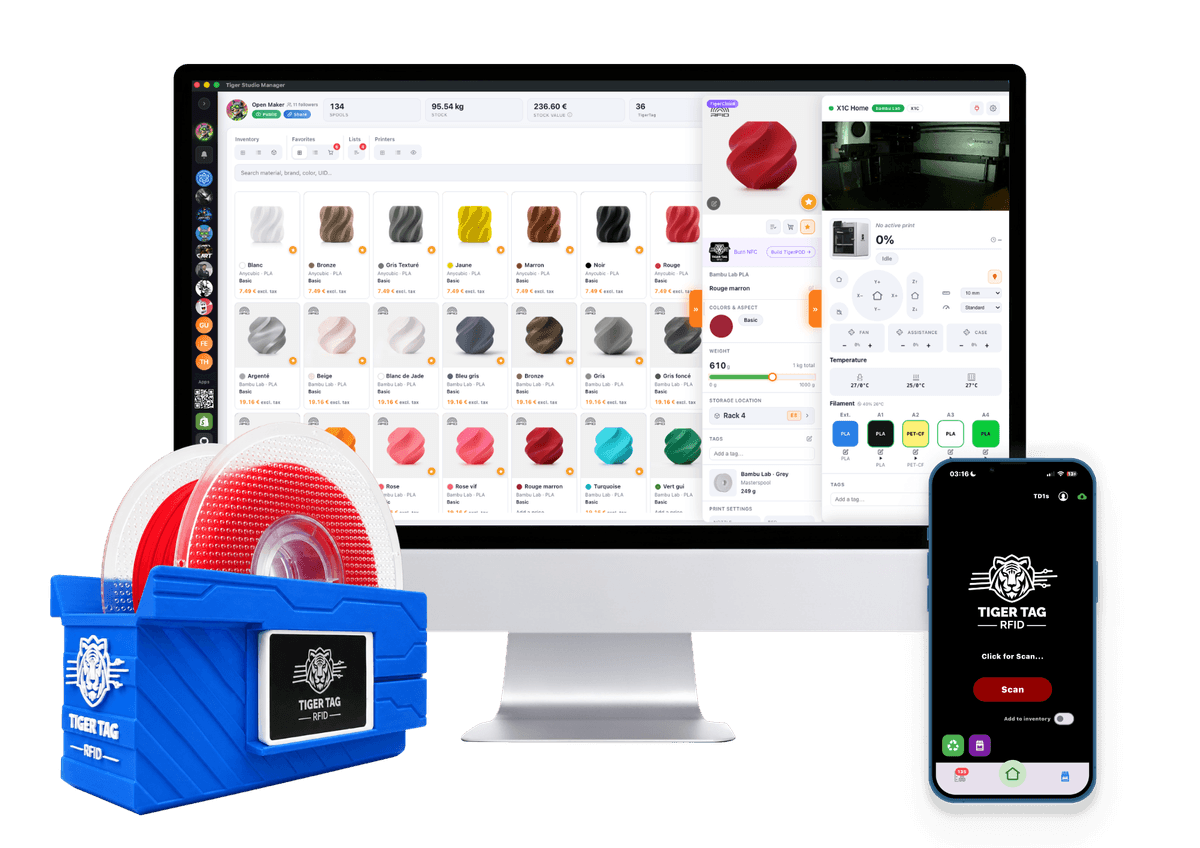
Le visuel principal : chaque brique de TigerSystem autour d’un protocole ouvert.
Fichier direct : hero-tigersystem-ecosystem.png
TigerPOD
Section intitulée « TigerPOD »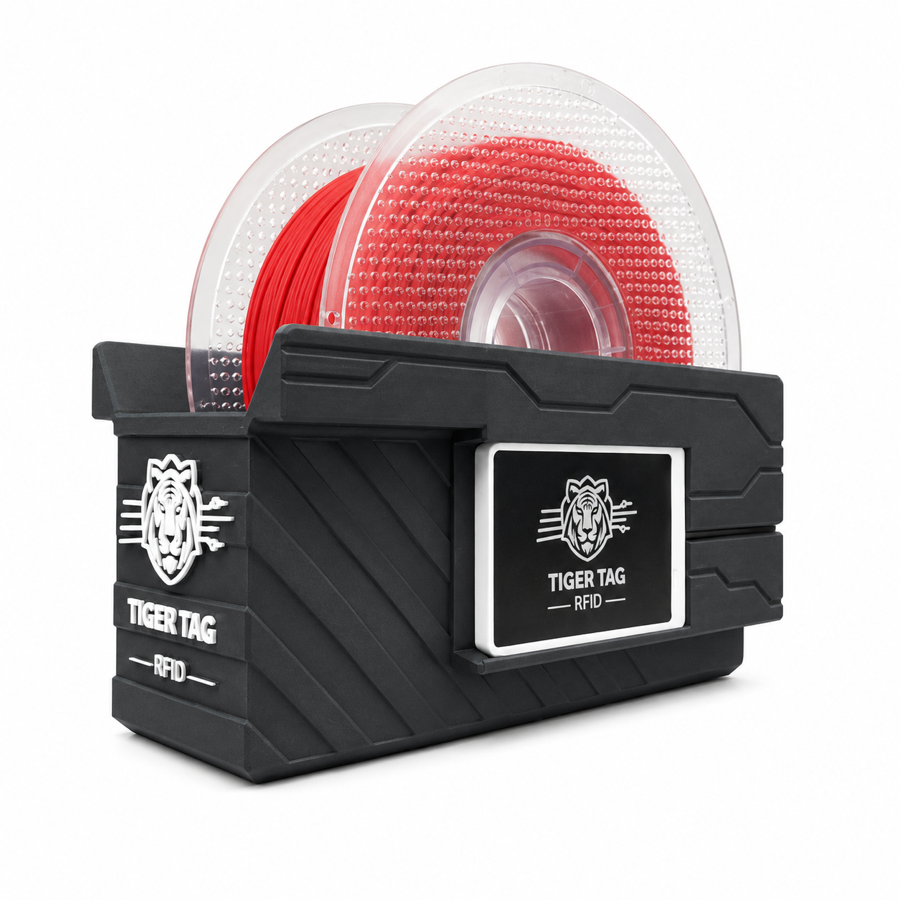 |
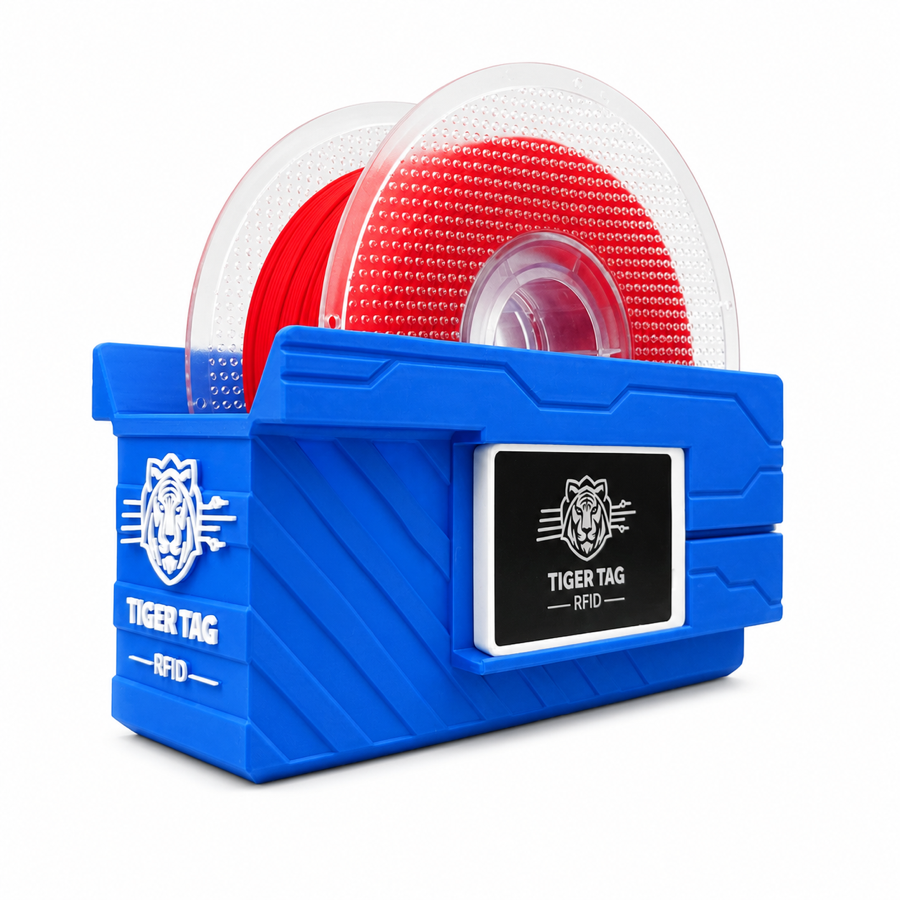 |
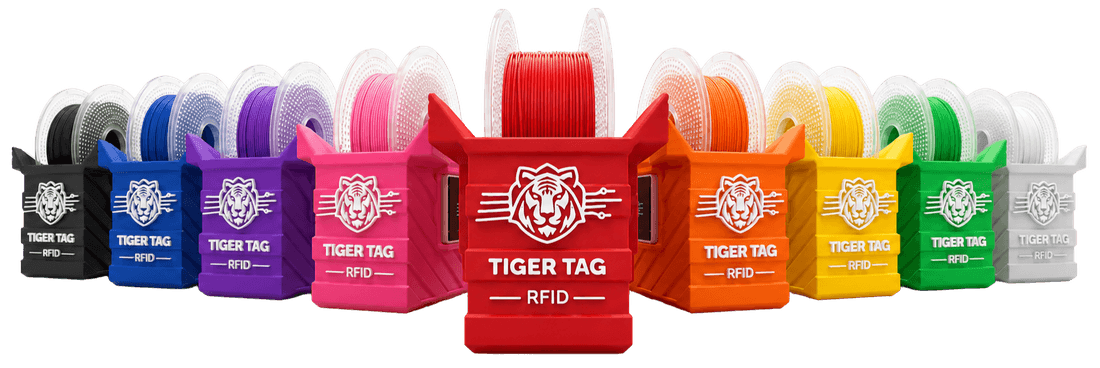
Le lecteur de bobine de bureau imprimable en 3D — rendus gris et bleu, plus la
bannière de la gamme arc-en-ciel. En usage avec Tiger Studio :
tigerpod-in-studio.jpg
TigerScale
Section intitulée « TigerScale »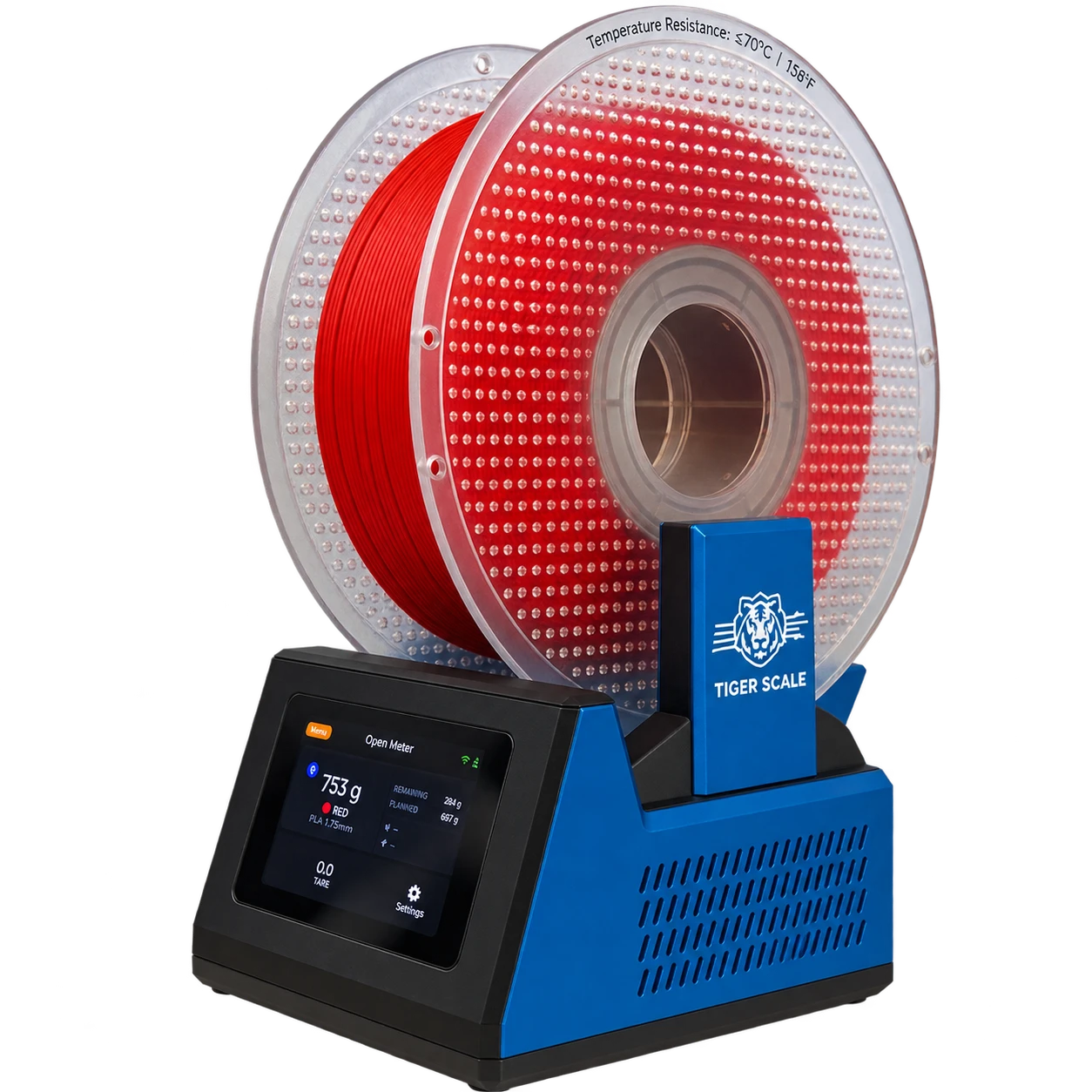 |
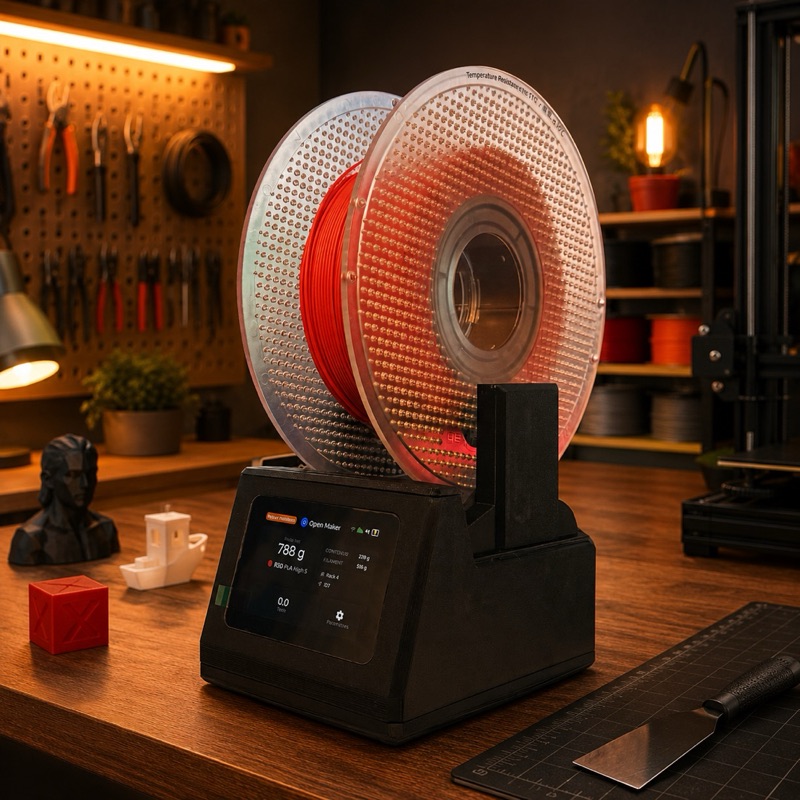 |
TigerScale V3, la génération actuelle : la photo produit, et une illustration de la même balance sur l’établi d’un maker — la seconde est un rendu, pas une photographie, merci de la créditer comme telle si vous la publiez. ESP32-S3, écran tactile couleur 3,5″, double lecteur PN532 pour qu’une bobine à deux puces soit identifiée quel que soit le sens où on la pose. Matériel ouvert, licence MIT.
Les générations précédentes sont documentées sur
la page produit ; l’ancienne photo,
tigerscale-photo.jpg, n’est conservée que
pour archive — merci de ne plus l’utiliser pour illustrer le produit
aujourd’hui.
La puce et le support
Section intitulée « La puce et le support » |
 |
 |
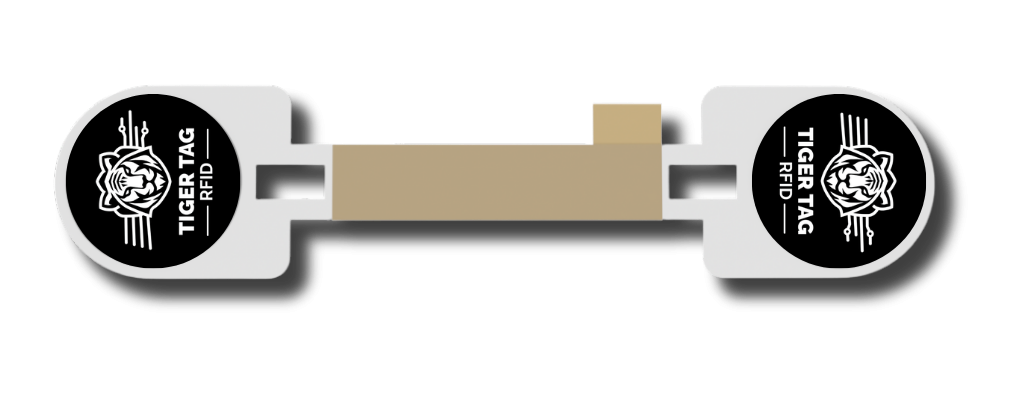
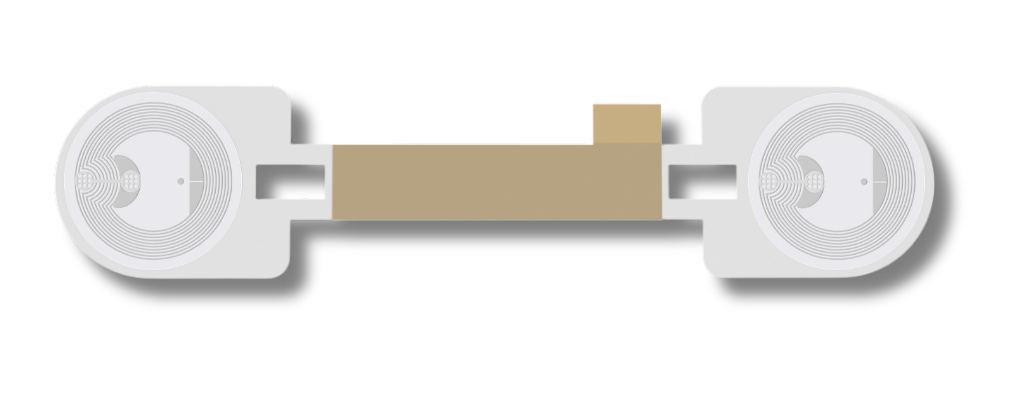
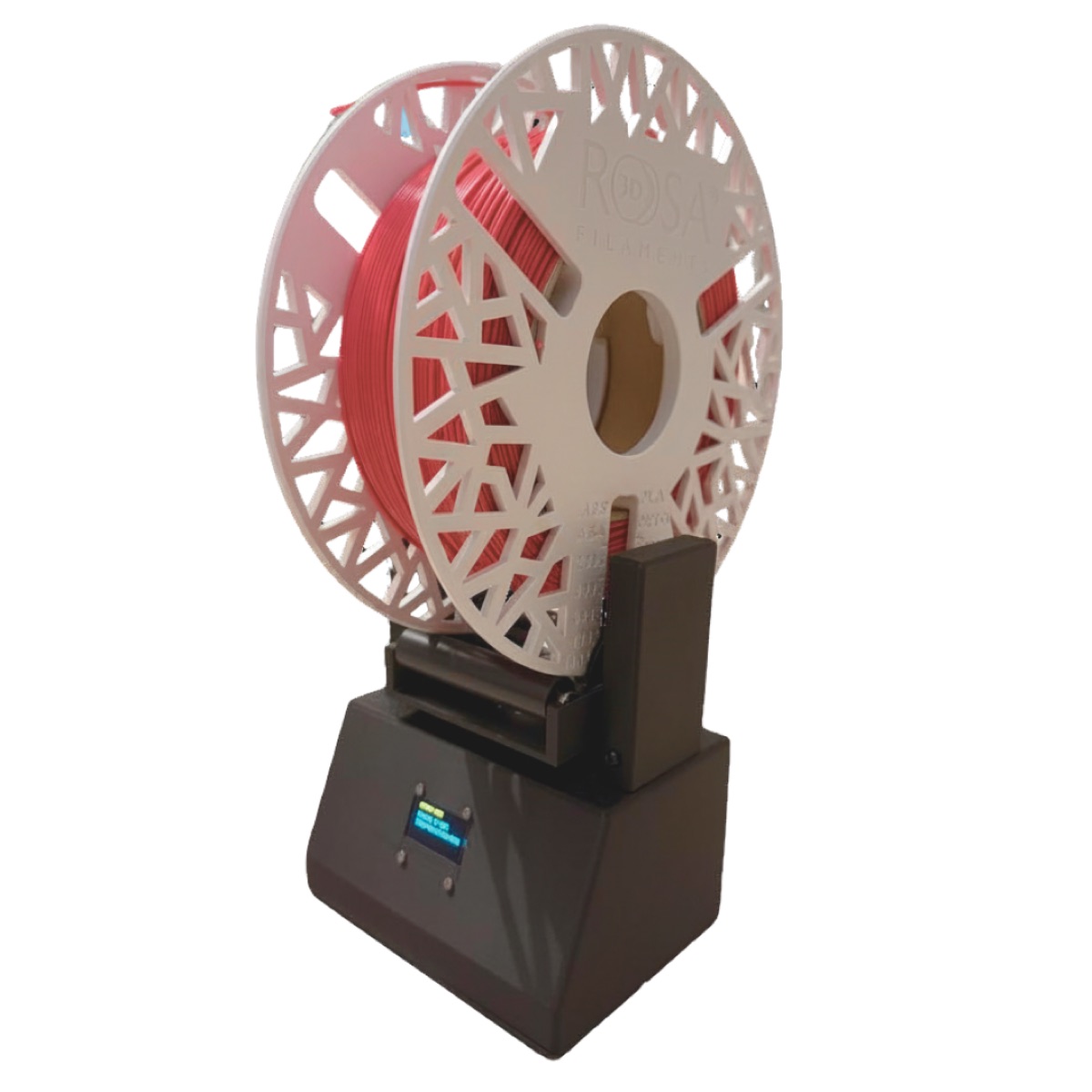
La puce elle-même, la puce siglée sur une bobine, le passage NFC en mouvement — et le support d’usine (avant et arrière) qui amène deux puces sur chaque bobine.
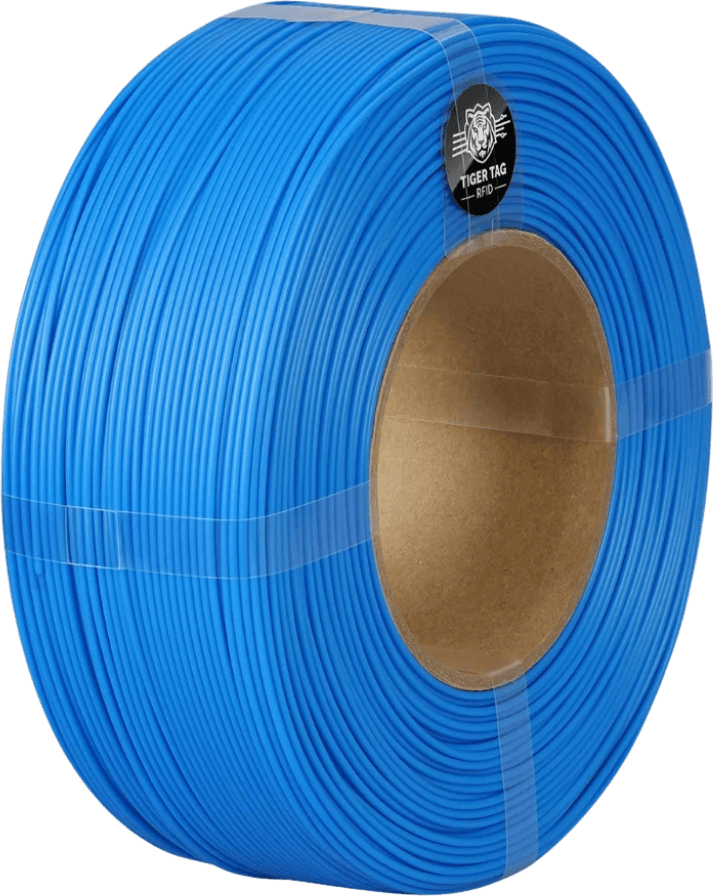
Recharges de filament TigerTag — 18 rendus haute résolution
Section intitulée « Recharges de filament TigerTag — 18 rendus haute résolution »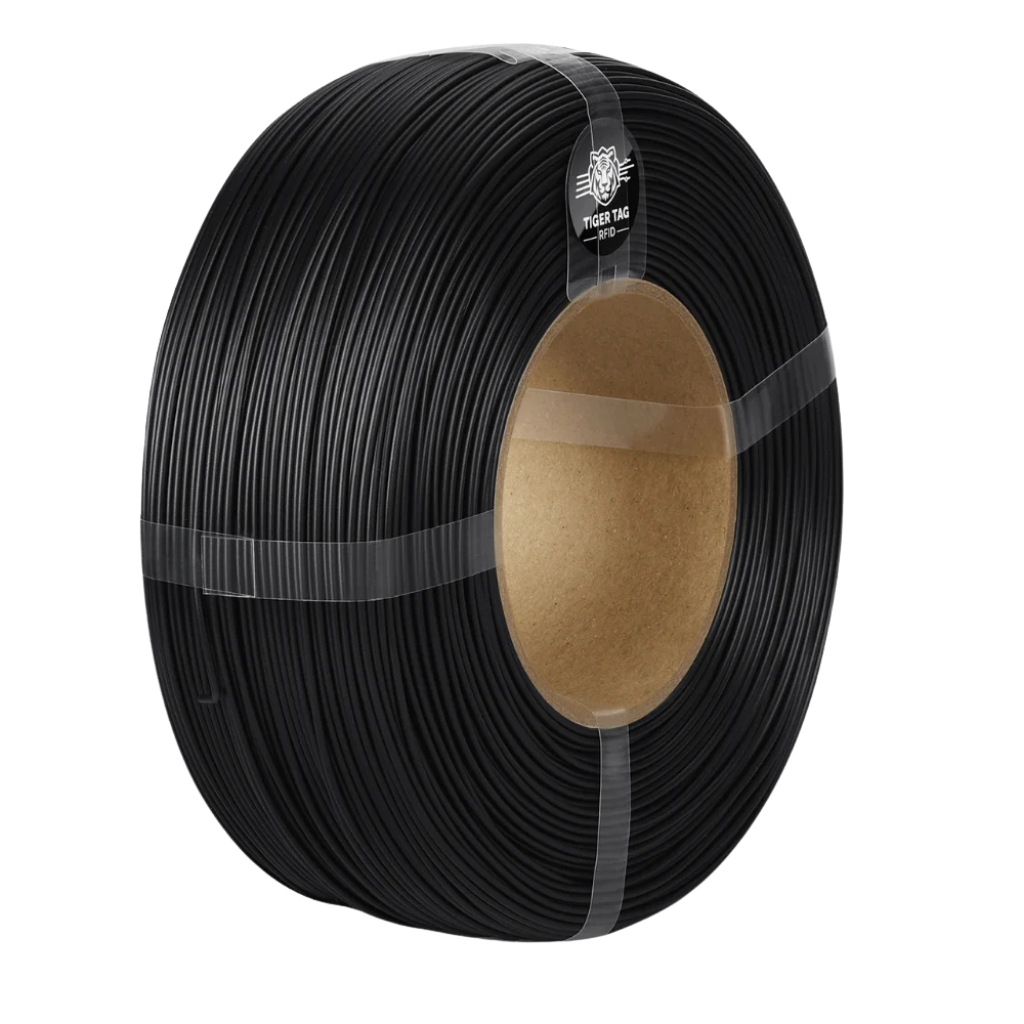 |
 |
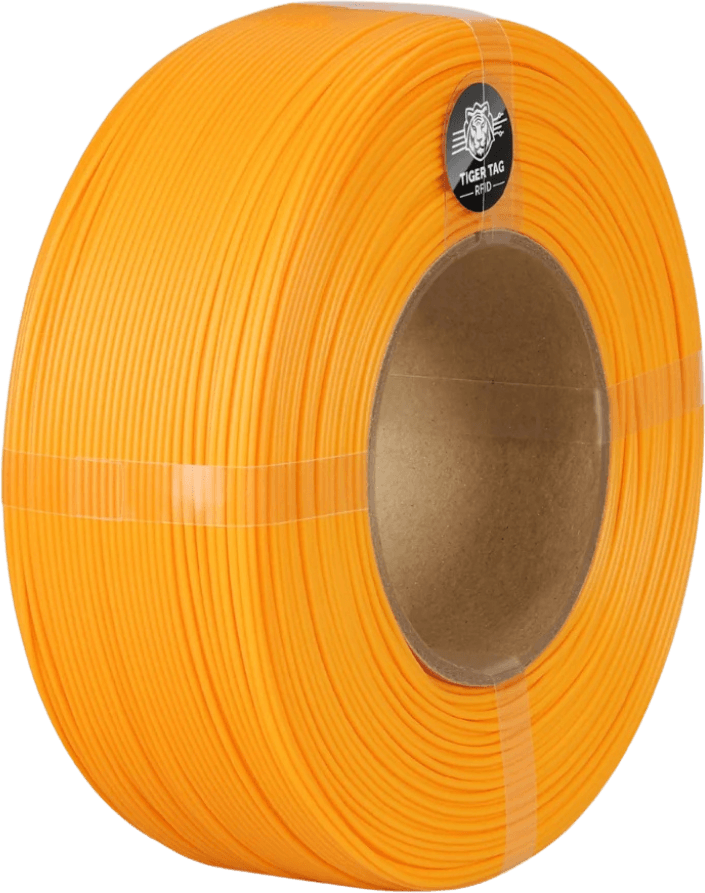 |
Dix-huit rendus de recharges de filament sans bobine (mandrin en carton), chacune portant sa puce NFC TigerTag — une par couleur.
Télécharger le pack (ZIP, ~22 Mo, 18 fichiers PNG)
Intégrateurs certifiés — logos des fabricants de filament
Section intitulée « Intégrateurs certifiés — logos des fabricants de filament »Les marques de filament qui expédient du TigerTag depuis l’usine, en logos vectoriels. Les six sont des partenaires certifiés — le palier audité, seul autorisé à porter la marque sur un produit. Le registre complet, avec ce que chacune a réellement déployé, est sur Partenaires certifiés.
Intégré sur toute la ligne de production

Production à grande échelle



Intégré à la demande



Le logo de chaque marque reste sa propriété — reproduisez-les sans les modifier, et uniquement pour identifier ce fabricant.
Boîtes de filament partenaires — photos haute résolution + détourages
Section intitulée « Boîtes de filament partenaires — photos haute résolution + détourages »

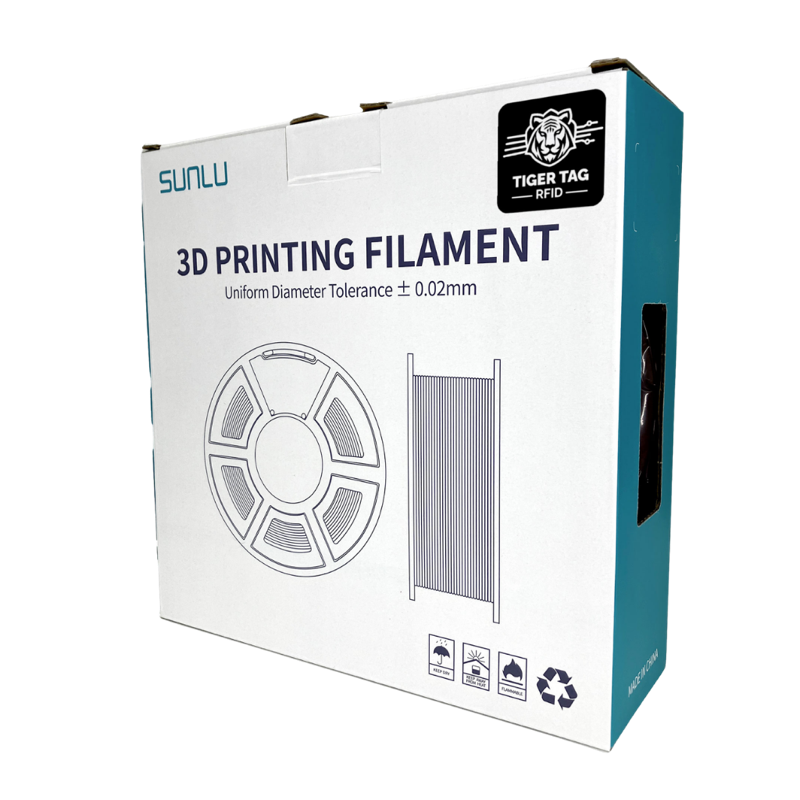
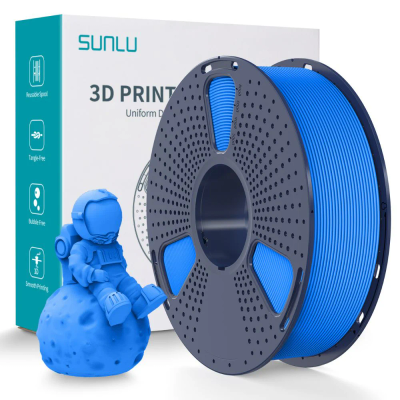
De vraies boîtes partenaires livrées avec TigerTag à l’intérieur — Rosa3D, eSun, Sunlu — en photos studio et en détourages sur fond transparent (6 fichiers).
Télécharger le pack (ZIP, ~3 Mo)
Bobines et recharges partenaires
Section intitulée « Bobines et recharges partenaires »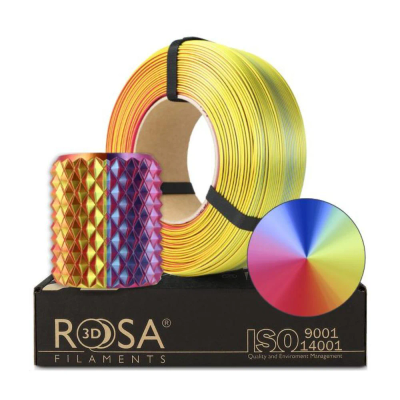 |
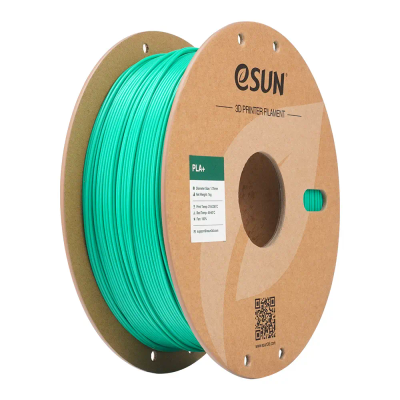 |
 |
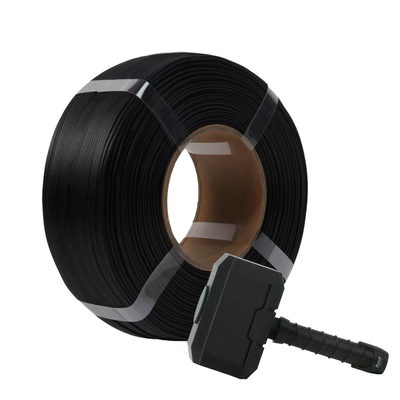 |
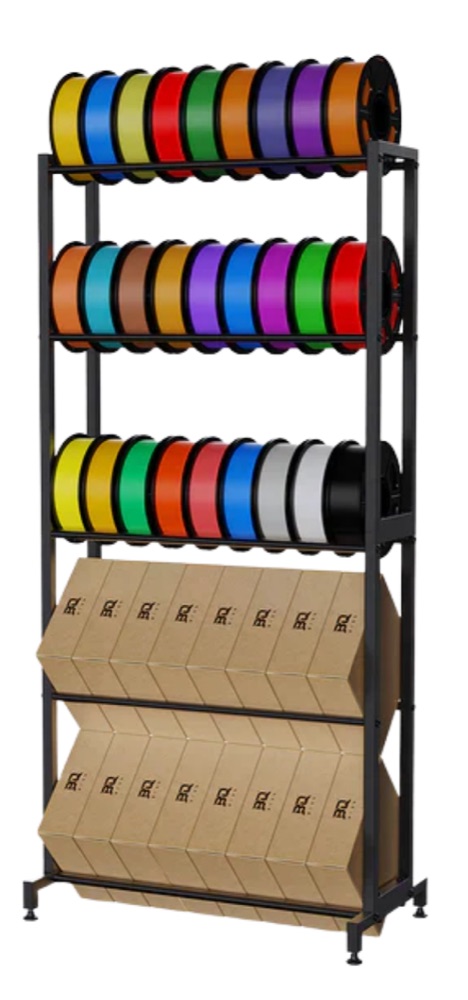
Le filament qui est réellement livré avec des puces TigerTag — Rosa3D, eSUN, Sunlu, R3D.
Les applications
Section intitulée « Les applications »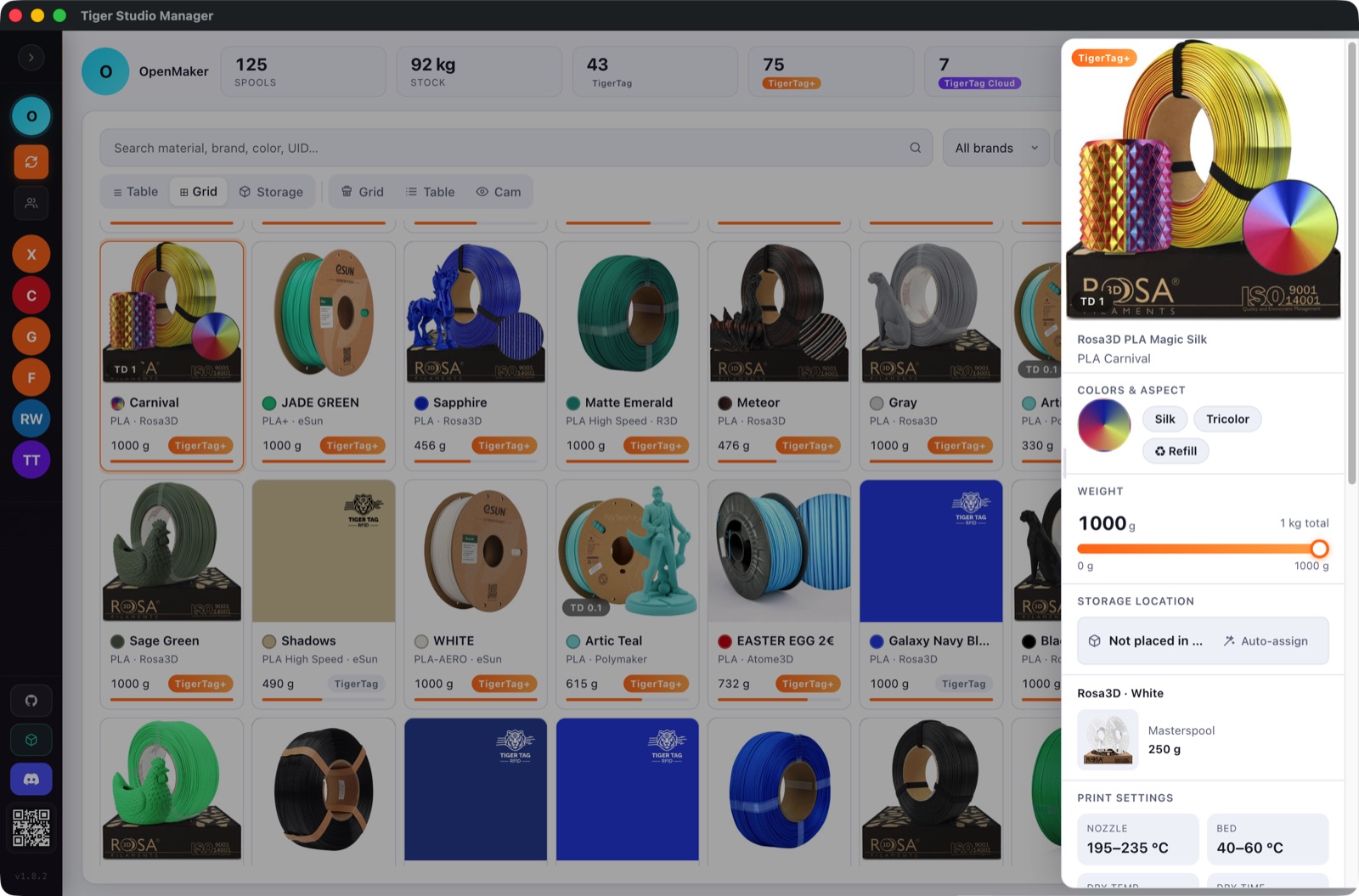 |
 |
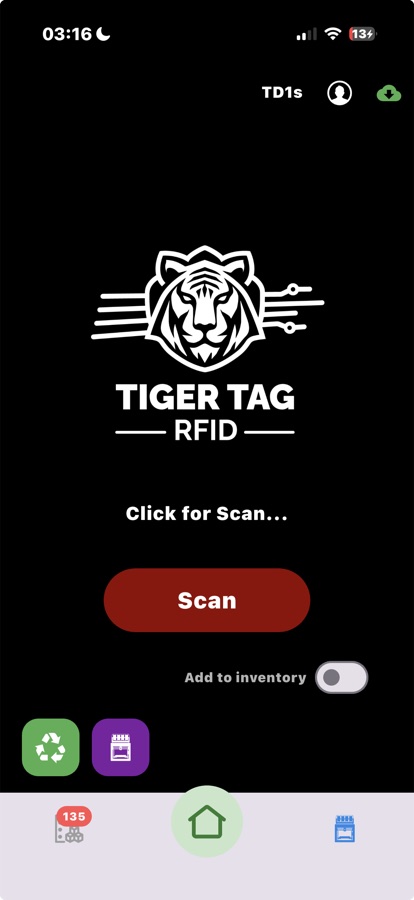
 |
 |
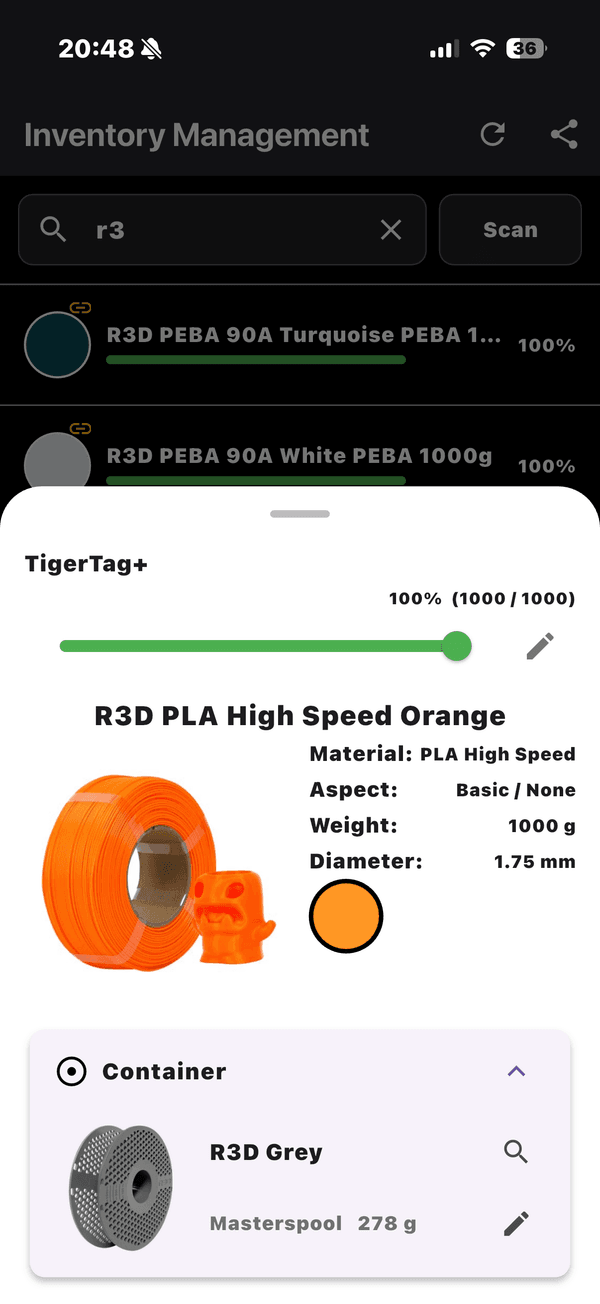 |
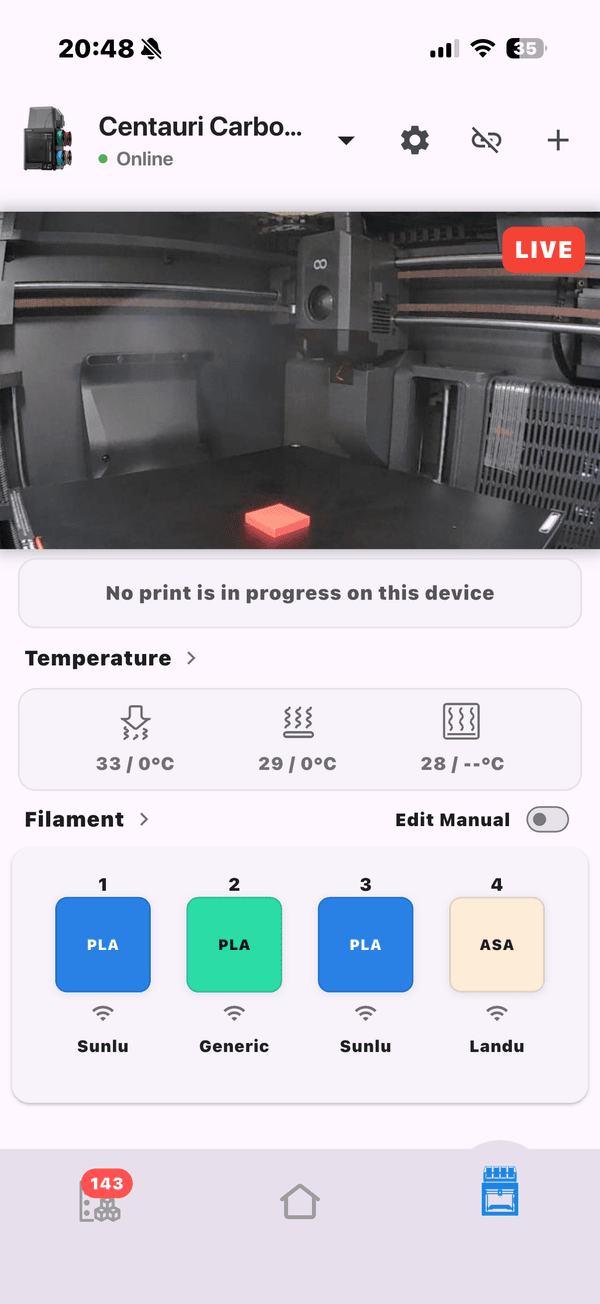 |
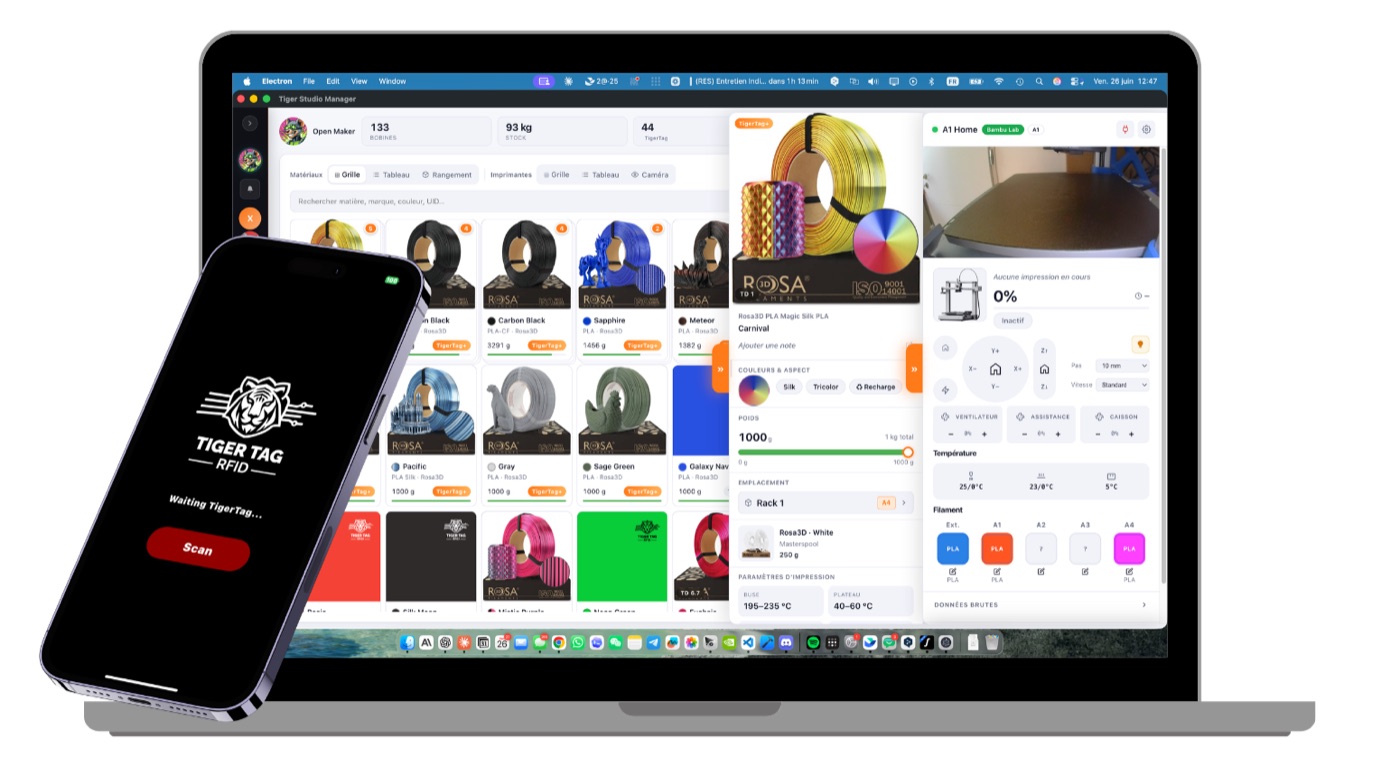
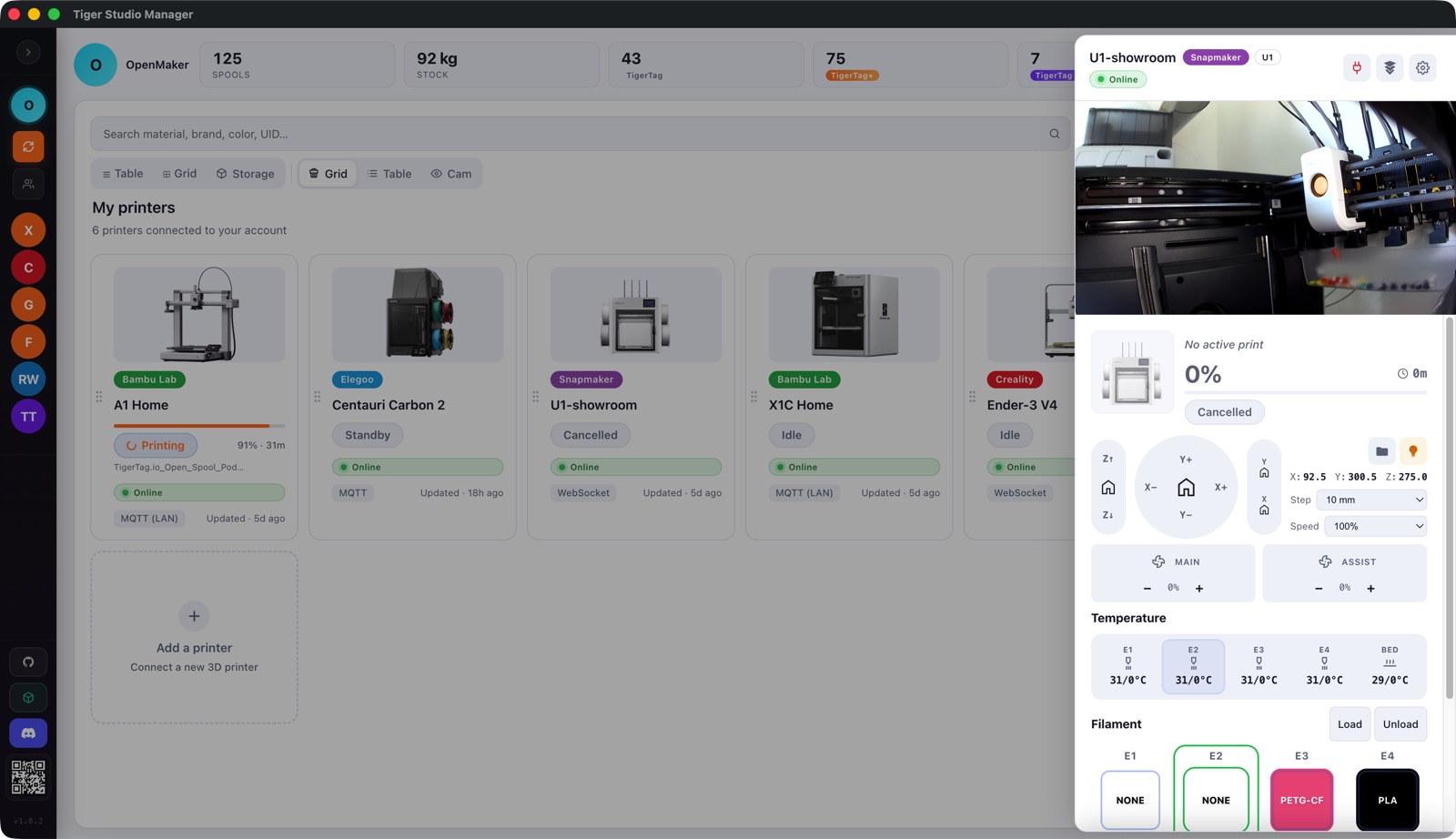
Tiger Studio (ordinateur) et Tiger NFC Connect (mobile) — captures d’écran et le montage combiné.
Installations réelles
Section intitulée « Installations réelles »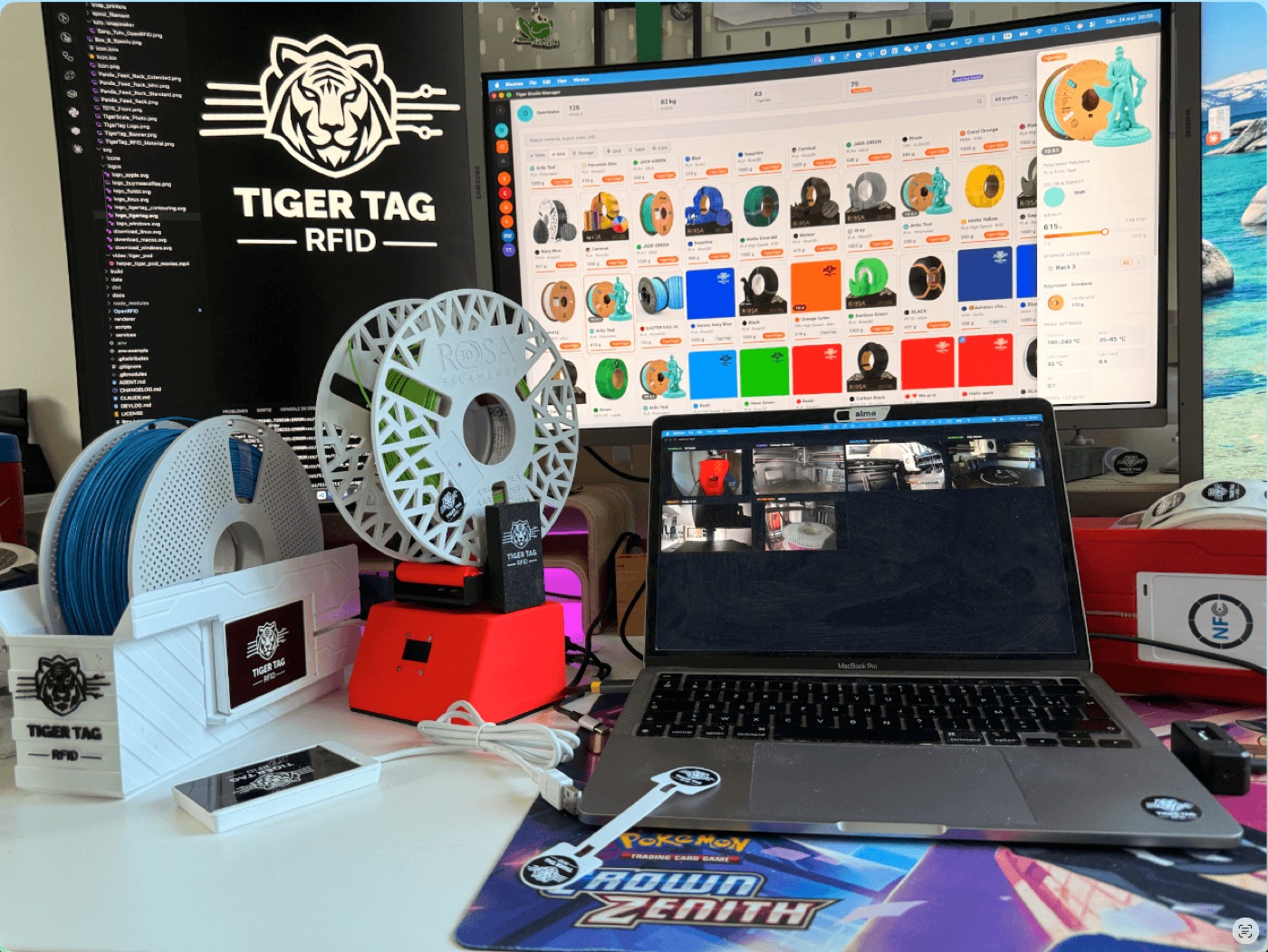 |
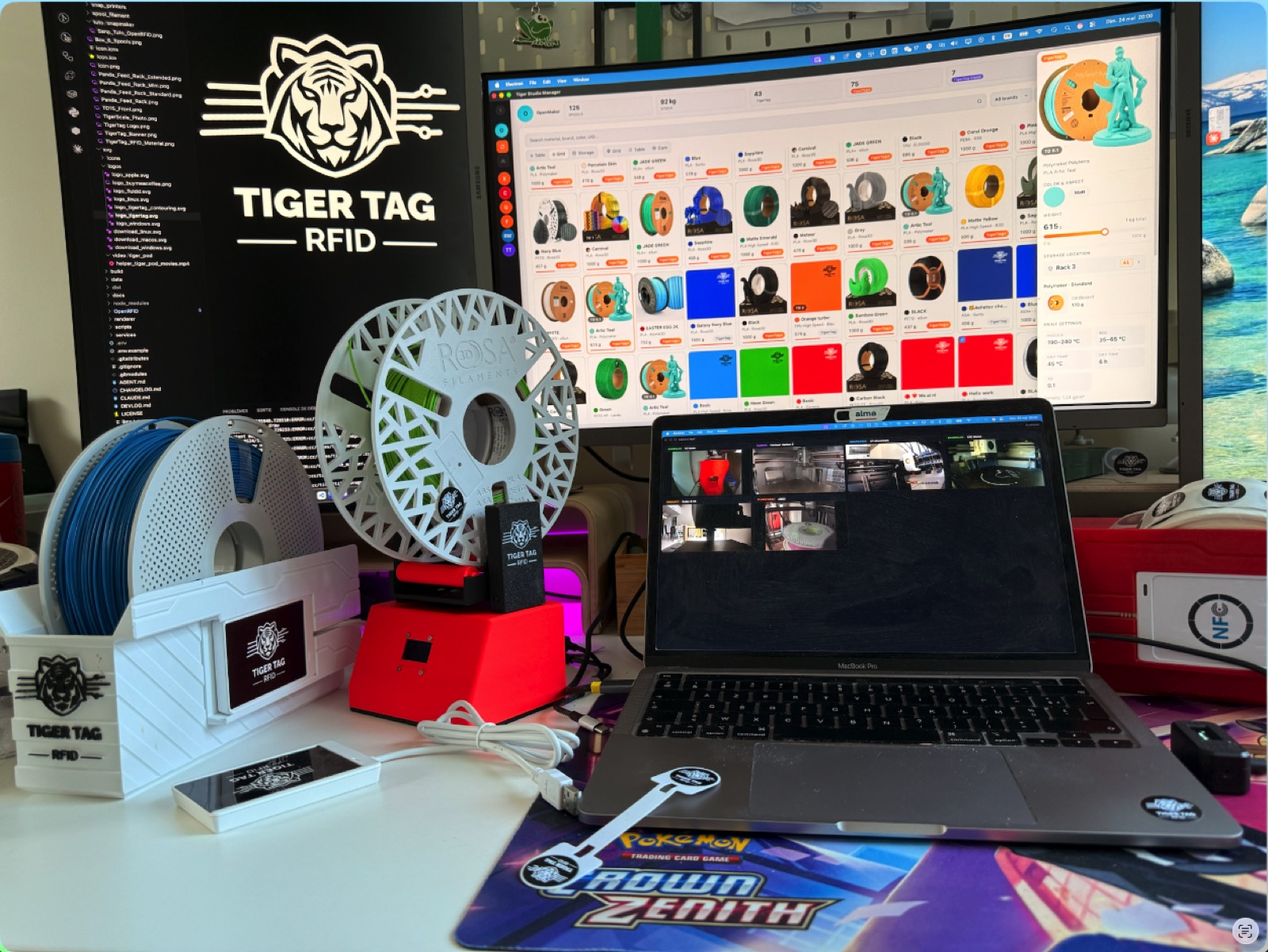 |
Pas de rendus ici — de vrais établis, tout le système en usage quotidien.
Accroches validées
Section intitulée « Accroches validées »Les accroches principales validées et les affirmations pérennes — factuellement inattaquables, prêtes à citer : headlines.md.
Autres ressources
Section intitulée « Autres ressources »- Tous les visuels utilisés dans cette documentation se trouvent dans
docs/assets/— libres de réutilisation aux mêmes conditions. - Il vous manque quelque chose (autres formats, résolution supérieure, prises de vue précises) ? Passez par l’organisation GitHub ou tigertag@tigertag.io.
Utilisation
Section intitulée « Utilisation »Libres d’utilisation pour toute couverture de TigerSystem / TigerTag (articles, tests, vidéos, publications sur les réseaux). Merci de créditer TigerTag. Règles de marque : TRADEMARK.md.