
Tiger NFC Connect (application mobile)

Objectif
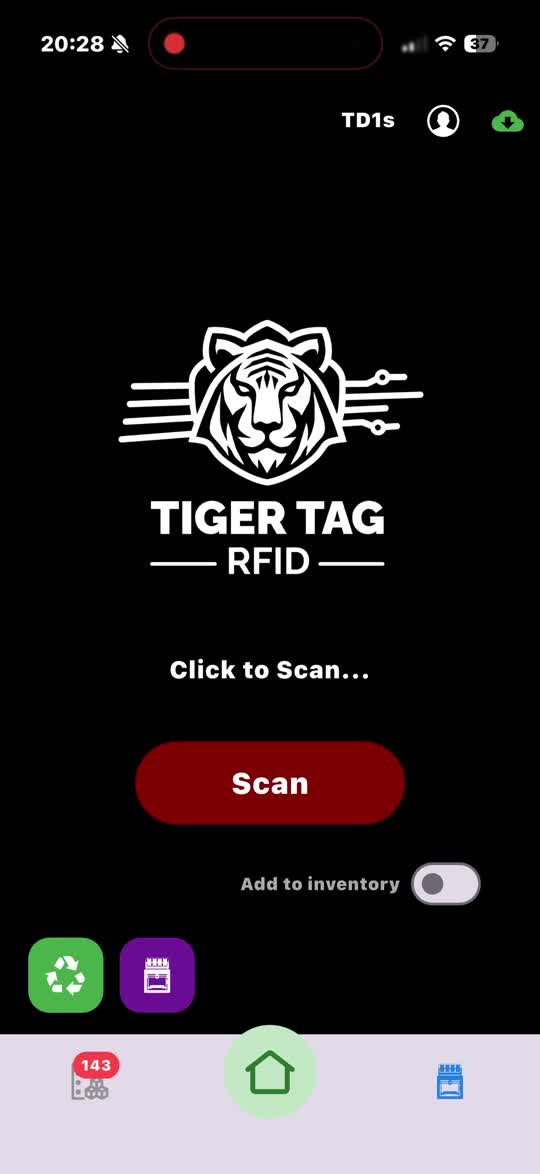
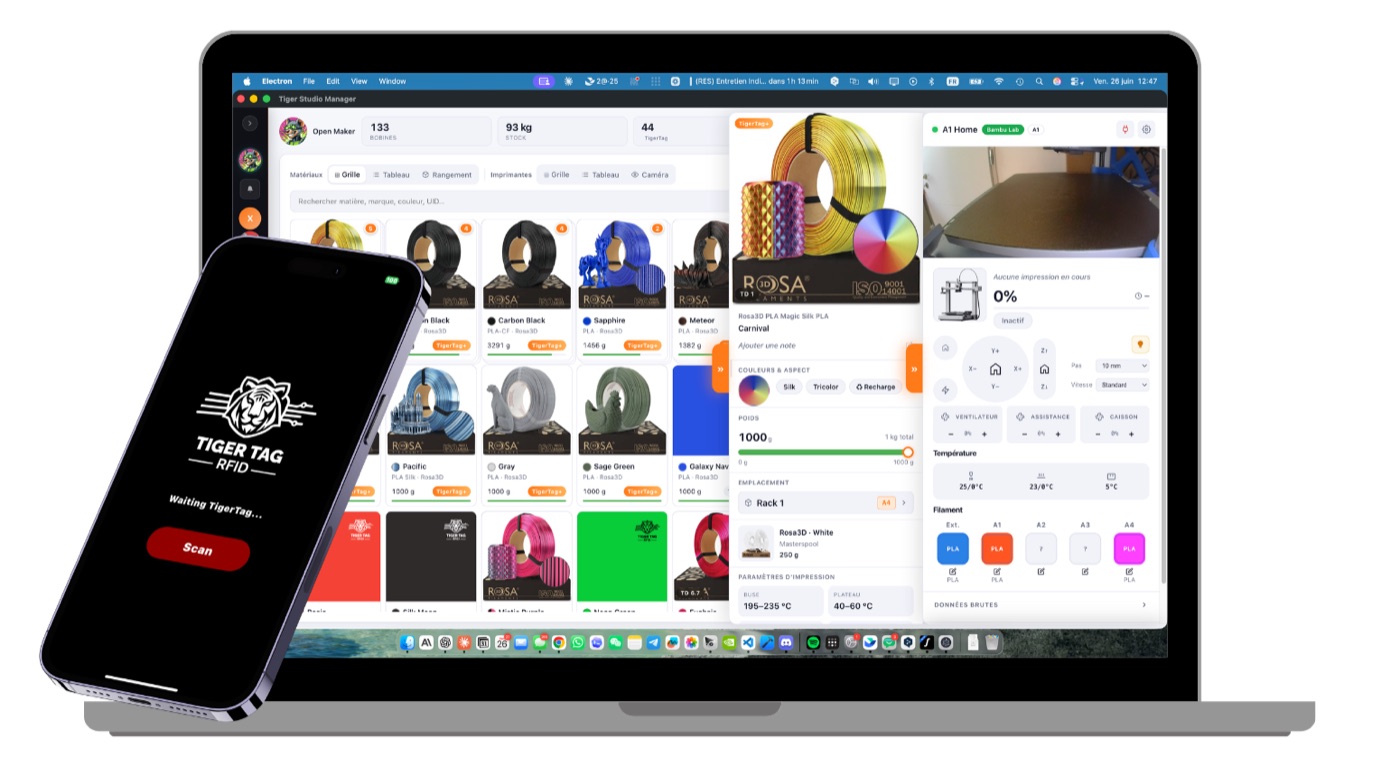
Section intitulée « Objectif »Votre téléphone est déjà un lecteur TigerTag — Connect ne fait que l’allumer. L’application iOS/Android lit n’importe quelle bobine d’un simple contact, encode les puces tout aussi facilement, et garde toute votre collection dans votre poche. C’est le point d’entrée quotidien de l’écosystème et l’incarnation du pont smartphone.
 iPhone · iPad
 Android
Gratuite, sur les deux boutiques. L’application lit une puce avec le NFC du téléphone lui-même — rien à acheter, aucun lecteur, aucun compte pour lire.
Où cela se situe
Section intitulée « Où cela se situe »
flowchart LR
  TAG["TigerTag chip"] -- "NFC tap" --> CO["Tiger NFC Connect"]
  CO -- "read / encode" --> TAG
  CO <--> CLOUD[("Your TigerSystem account<br/>(Firebase)")]
  CLOUD <--> ST["Tiger Studio — same account"]
Fonctionnalités
Section intitulée « Fonctionnalités »- Lecture NFC en mobilité — approchez le téléphone d’une bobine, son profil complet s’affiche.
- Programmation des puces — encodez et réencodez les puces TigerTag depuis le téléphone.
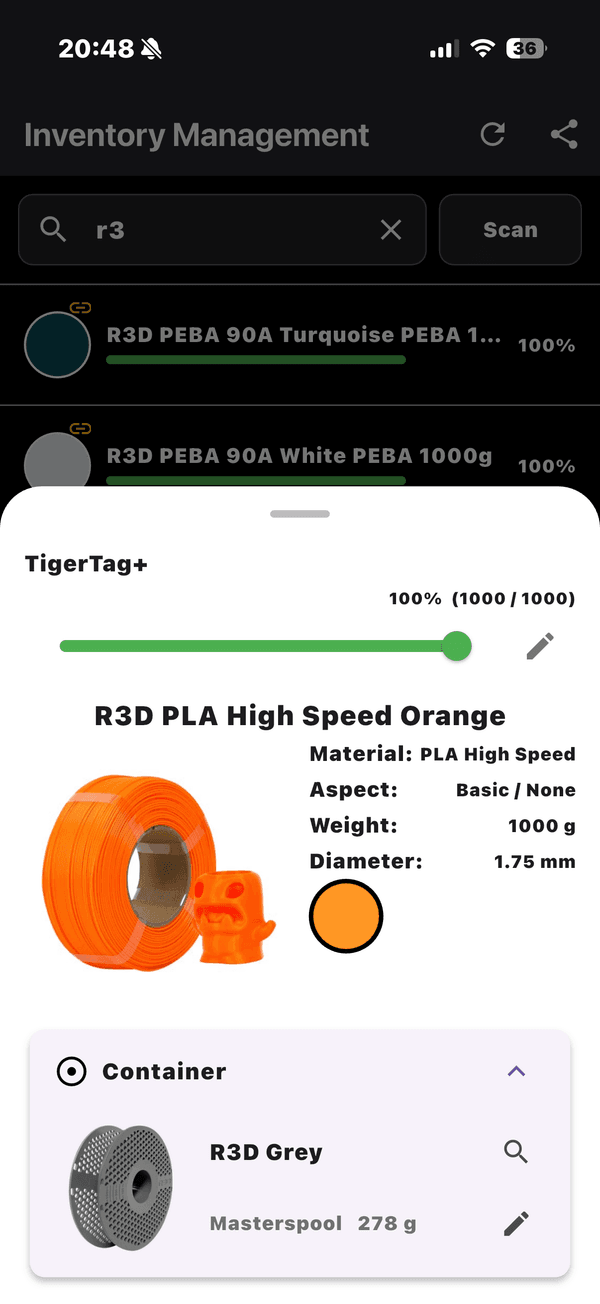
- Consultation du catalogue — la base de données de référence partagée marques / matières / couleurs.
- Compte partagé — le même backend Firebase que Tiger Studio : inventaire, amis et racks restent synchronisés en temps réel sur tous les appareils.
- Accessoires USB-C — prise en charge de l’analyseur de filament AJAX-3D TD-1 / TD1s en USB-C : mesurez la Transmission Distance d’un filament (et sa couleur) directement depuis le téléphone (matériel tiers compatible).
Se la procurer
Section intitulée « Se la procurer »- Publiée sur l’App Store (iOS) et Google Play (Android) — en version 1.0.2 aujourd’hui.
- Des bêtas publiques sont également disponibles (TestFlight sur iOS, bêta ouverte sur Android).
- Tous les liens de téléchargement : tigersystem.io/download — un QR code est également toujours disponible dans la barre latérale de Tiger Studio.
Note sur le nom : publiée autrefois sous le nom « TigerTag RFID Connect » — renommée Tiger NFC Connect pour faire écho au lecteur NFC déjà présent dans chaque téléphone. L’application est gratuite mais propriétaire (pas open source) pour l’instant — contrairement à Tiger Studio, aux SDK et au matériel, qui sont ouverts.
Architecture
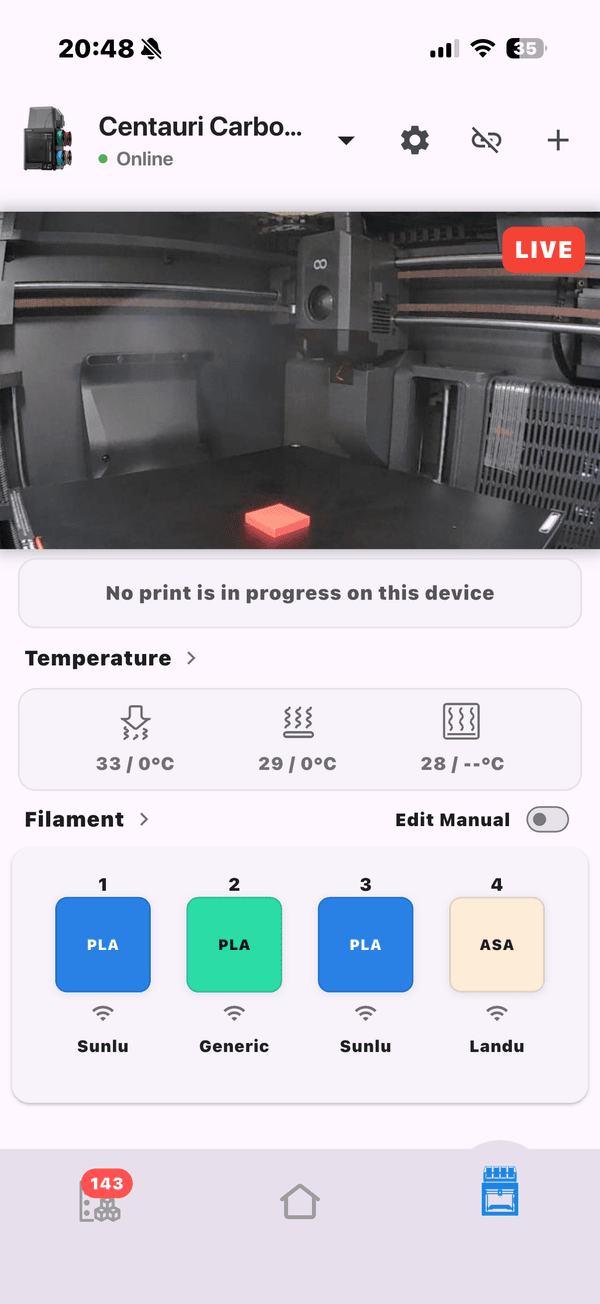
Section intitulée « Architecture »Application Flutter dialoguant avec Firebase (Auth + Firestore) — l’unique base de comptes partagée derrière toutes les applications. Sur mobile, la connectivité imprimante passe par le cloud lorsque les constructeurs l’autorisent.
Interactions
Section intitulée « Interactions »| Avec | Comment |
|---|---|
| Puces TigerTag | Lecture et écriture par contact NFC |
| Firebase (base de comptes) | Synchronisation temps réel inventaire / amis / préférences |
| Tiger Studio | Compagnon de bureau — même compte, fonctions complémentaires |
En images
Section intitulée « En images »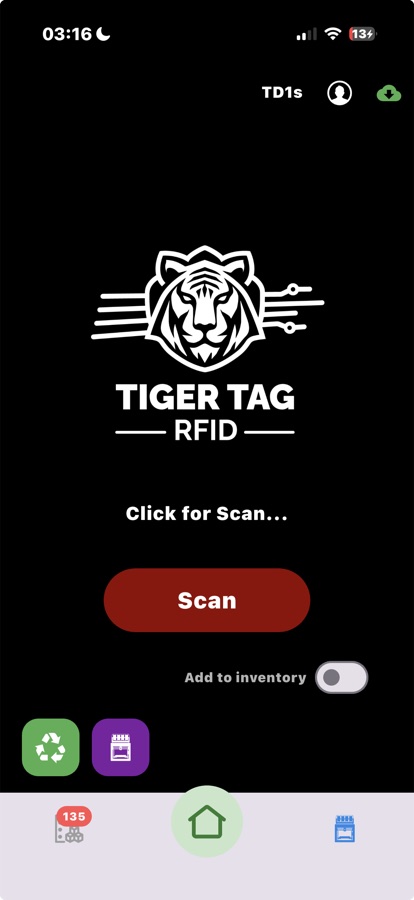 |
 |
 |
 |
Voir aussi : Pont smartphone, Inventaire et synchronisation cloud