
Bambu Lab

Printer link — Live
Section titled “Printer link — Live”Tiger Studio connects to a Bambu Lab printer two ways:
| Aspect | Detail |
|---|---|
| LAN | MQTTS (TLS) direct to the printer, port 8883. Needs the printer’s LAN Only mode and Developer Mode turned on once — step-by-step per model. |
| Cloud | Sign in once with your Bambu Lab account (email + one-time code) — every printer on the account is found automatically, LAN access code included. No on-printer toggle needed for this part. |
| Filament | AMS support — up to 16 slots, per-slot filament edit |
| Discovery | LAN: SSDP + TLS probe, plus Add-by-IP. Cloud: automatic, from the account. |
| Camera | JPEG stream (TCP 6000) / RTSP — same feed either way, needs LAN Mode Liveview enabled on the printer |
| Telemetry | Temperatures, job progress, print preview |
Cloud connections are read-only today, with one exception. You get live telemetry — temperatures, progress, camera — and the printer’s light, which does toggle over cloud. Everything else that acts on the machine (pause, resume, stop) needs the LAN path.
Native RFID — spec documented, in-app read planned
Section titled “Native RFID — spec documented, in-app read planned”Bambu spool tags are Mifare Classic 1K with HKDF-SHA256 UID-derived
keys — cryptographically locked to serve the vendor’s ecosystem. A read-only
decoding spec is maintained in
docs/rfid-vendors/bambu.md.
The workflow
Section titled “The workflow”- Add the printer — either on the LAN (SSDP discovery, or Add by IP, paired with the printer’s LAN access code) or from the cloud (sign in with your Bambu Lab account — every printer on it is found automatically). The LAN path needs the printer’s LAN Only mode and Developer Mode turned on once first — step-by-step per model.
- Scan a spool — phone or desktop reader; the spool lands in your inventory.
- Assign it to an AMS slot — Tiger Studio pushes the filament profile (material, color) to the slot over MQTTS; the machine-side info now matches reality, across up to 16 AMS slots.
- Live — temperatures, job progress, print preview, wall-clock “Ends at” time, and the camera feed, right in the printers view.
Switch to LAN mode
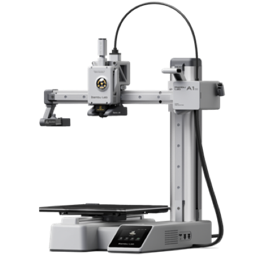
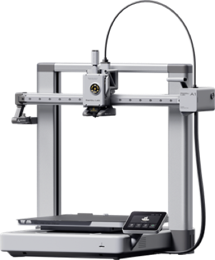
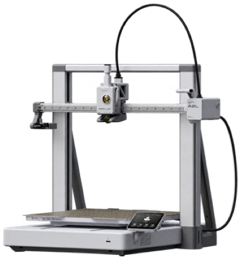
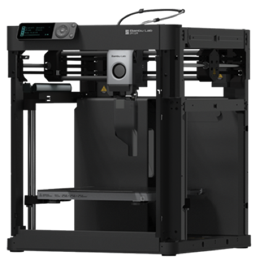
Section titled “Switch to LAN mode”The LAN path needs LAN Only mode and Developer Mode enabled on the printer itself — a one-time, on-screen setup. Pick your model below for the exact steps.
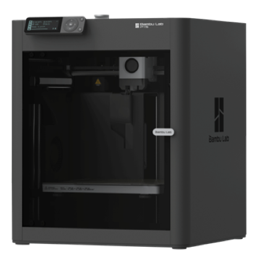
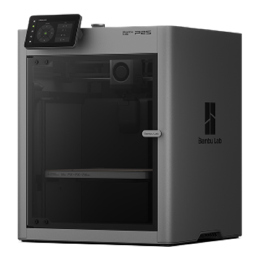
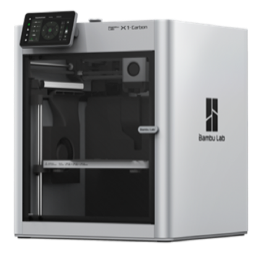
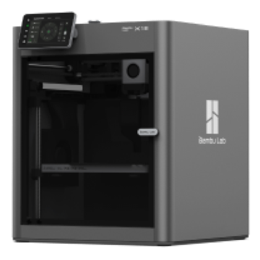
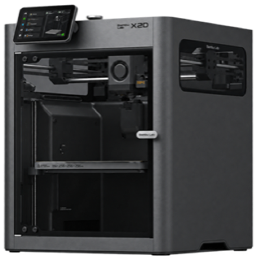
Limitations
Section titled “Limitations”- Native Bambu tags are not read in-app yet — the spec is documented, and the current work aims at converting vendor tag data into TigerData spools (see Compatibility).
- The camera feed needs LAN Mode Liveview enabled on the printer, whichever connection path is used.