
Tiger Studio (desktop app)

Purpose
Section titled “Purpose”Tiger Studio is mission control for your filament. Every spool, every rack, every printer on one screen — scan a chip and its spool pops open, update a weight and it syncs everywhere, glance at a printer and see what it’s doing right now. Open source, on Windows / macOS / Linux.
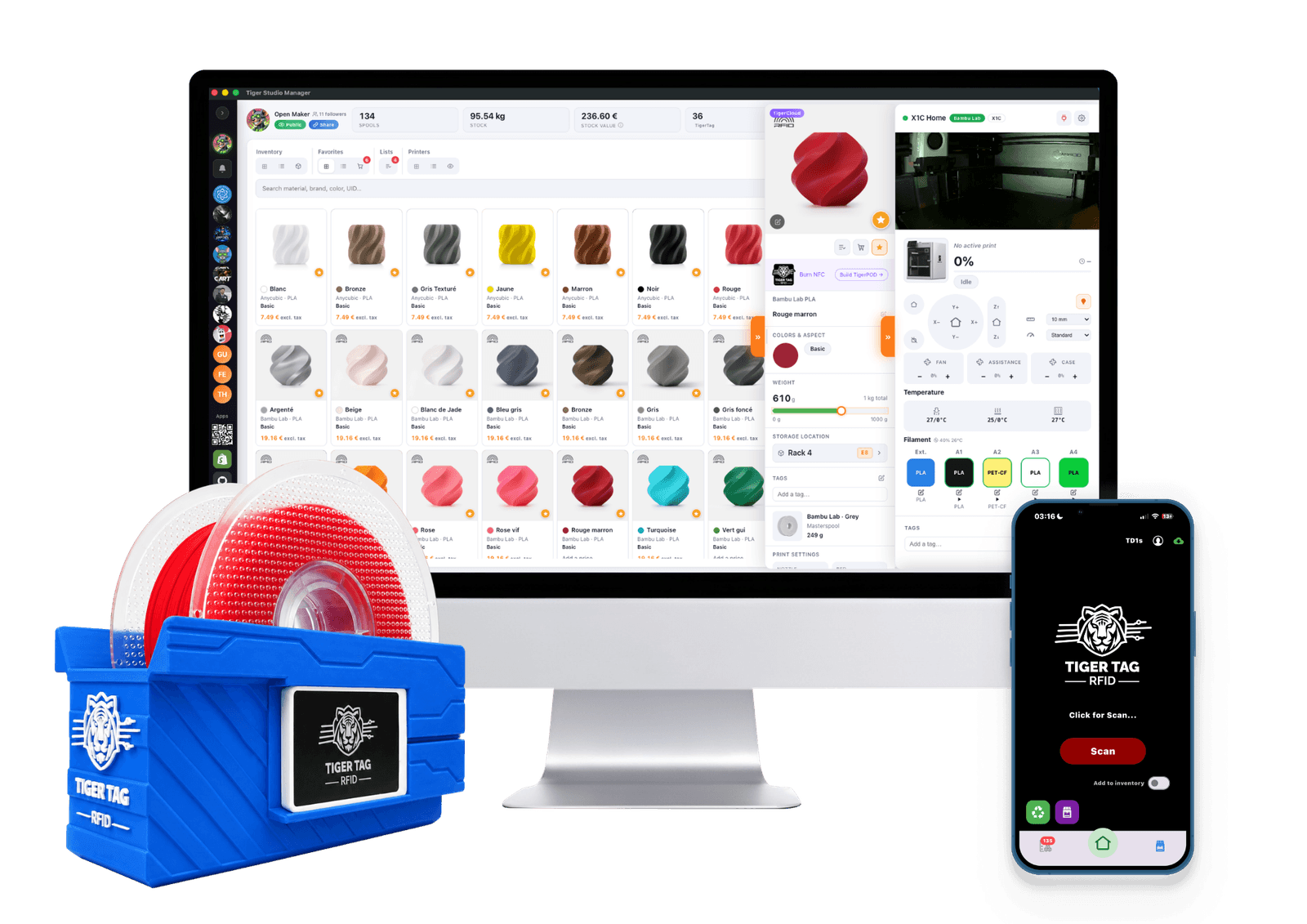
Tiger Studio on the desk, the app in your pocket, a reader beside them — the same inventory, wherever you touch it.
 Sources
It is deliberately a laboratory, not the destination — a demonstration of what the open protocol makes possible, readable, forkable and free to copy (philosophy).
Where it sits
Section titled “Where it sits”
flowchart LR
  RD["TigerPOD / ACR122U"] --> ST["Tiger Studio"]
  TD["TD1S"] --> ST
  ST <--> CLOUD[("Your TigerSystem account<br/>(Firebase)")]
  SCALE["TigerScale"] --> CLOUD
  ST -- "filament to slots" --> PRN["6 printer brands"]
  PRN -- "telemetry · cameras" --> ST
Features (highlights)
Section titled “Features (highlights)”- Inventory — real-time Firestore sync, table/grid views, detail panel, weight tracking, container calibration, digital spools (TigerData) with atomic chip promotion.
- Printers — live integrations for 6 brands (telemetry, filament per slot, job progress, cameras, and for some brands full control panels). See compatibility.
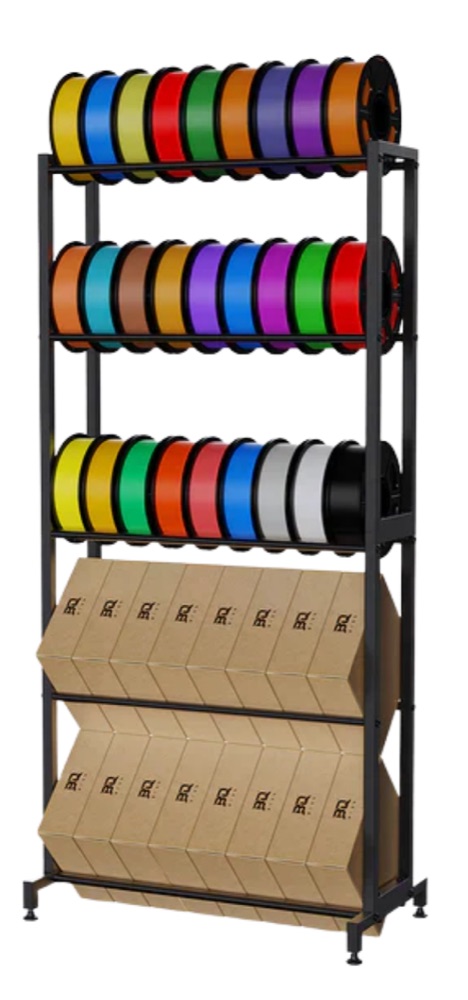
- Racks — drag-and-drop physical storage mapping.
- Friends & sharing — discovery codes, read-only friend inventories.
- Devices — first-party: TigerPOD and TigerScale; third-party: the ACR122U NFC reader, the AJAX-3D TD-1 & TD1s analyzers (TD + color straight into the spool’s profile) and USB HID scales (DYMO M series and any compliant scale) — full list: compatible third-party hardware.
- 11 locales — EN · FR · DE · ES · IT · NL · PL · PT-BR · PT-PT · RU · 中文.
The complete, always-current catalogue lives in the app repo’s FEATURES.md.
Architecture
Section titled “Architecture”Electron + vanilla JS, no bundler. Printer links speak each vendor’s native
LAN protocol directly (MQTT / WebSocket / HTTP) — per-brand protocol notes are
maintained in the app repo (renderer/printers/<brand>/PROTOCOL.md).
In pictures
Section titled “In pictures”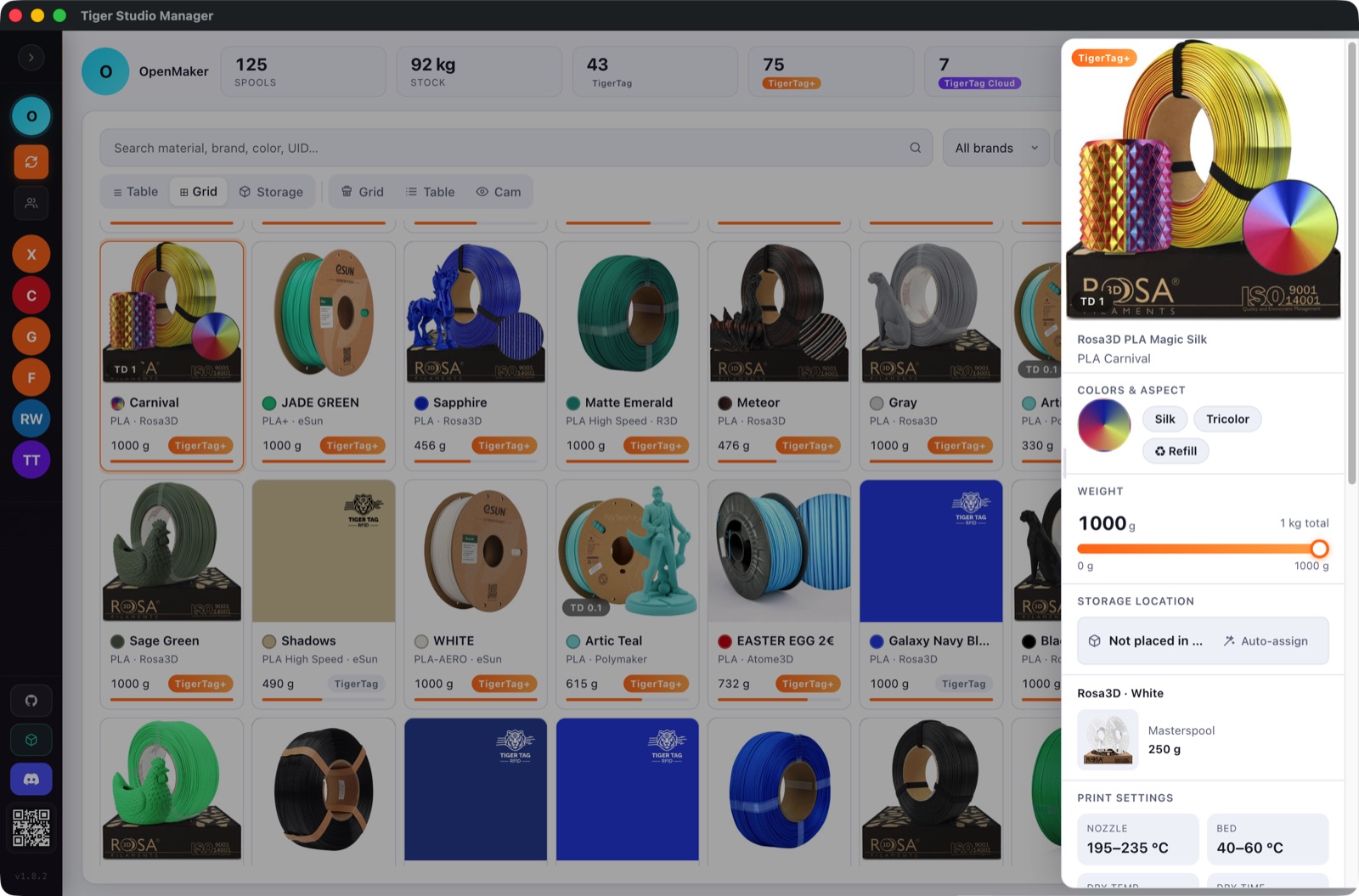
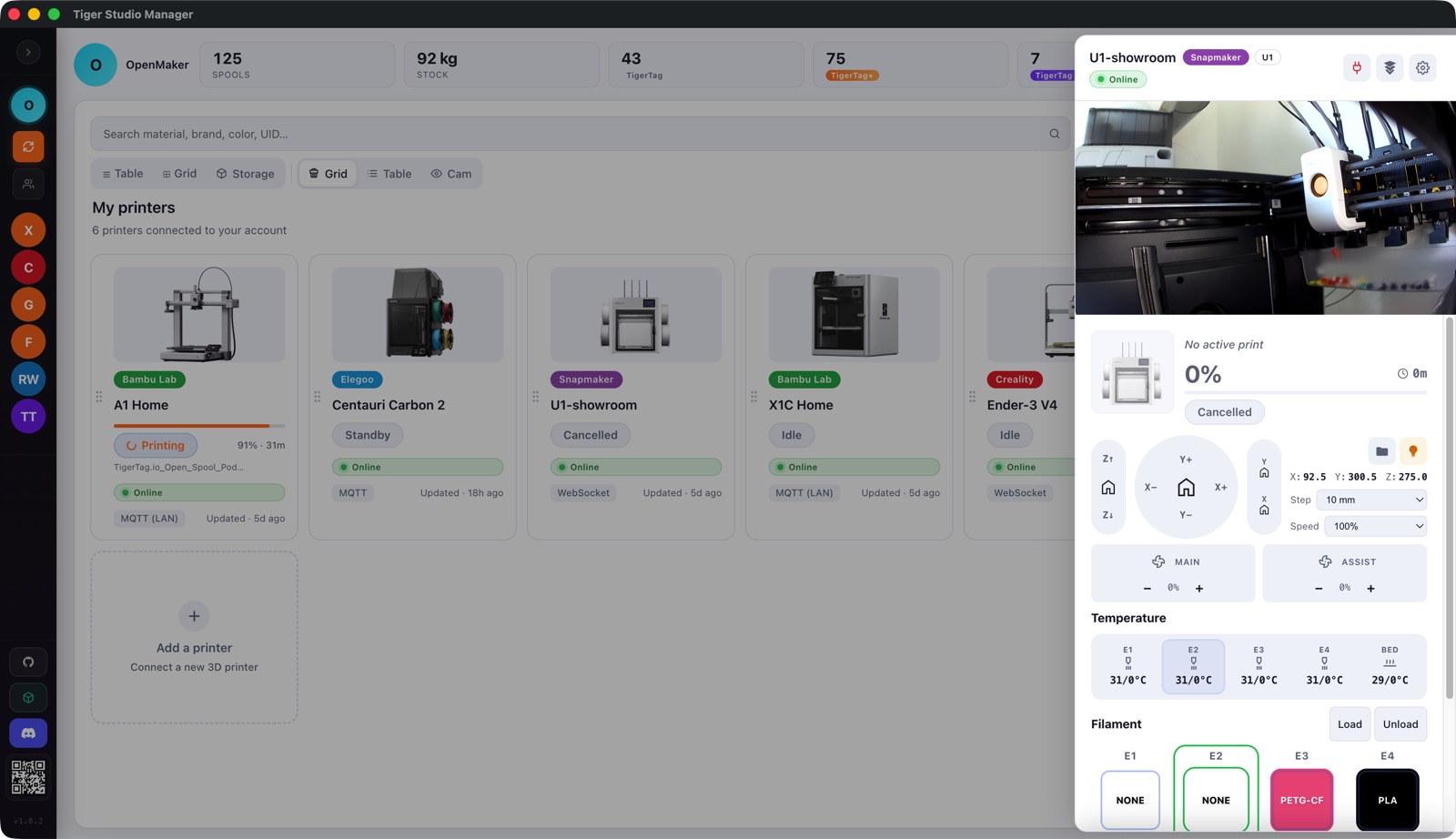
- Repo + downloads: TigerTag-Studio-Manager (MIT)
- Full feature catalogue: FEATURES.md
Related: Compatibility, Architecture